
Easy Return

Simple & Secure Tax Filing ITR Filed by Tax Expert
Free CSC Registration Without Any Exam

CSC Registration Process

Apply Free CSC Registration Without Any Exam

Register online and offer tax, financial, insurance, travel & documentation services from one platform.

₹
Monthly Earning Opportunity

अब CSC REGISTRATION KAREIN AUR कमाए Rs 50000-100000/- महीना

₹0
Zero Joining Fee Start your Easy Return partner registration without paying a joining fee and without any exam.
Free Registration
Expert Support
No Exam Needed
Multiple Services
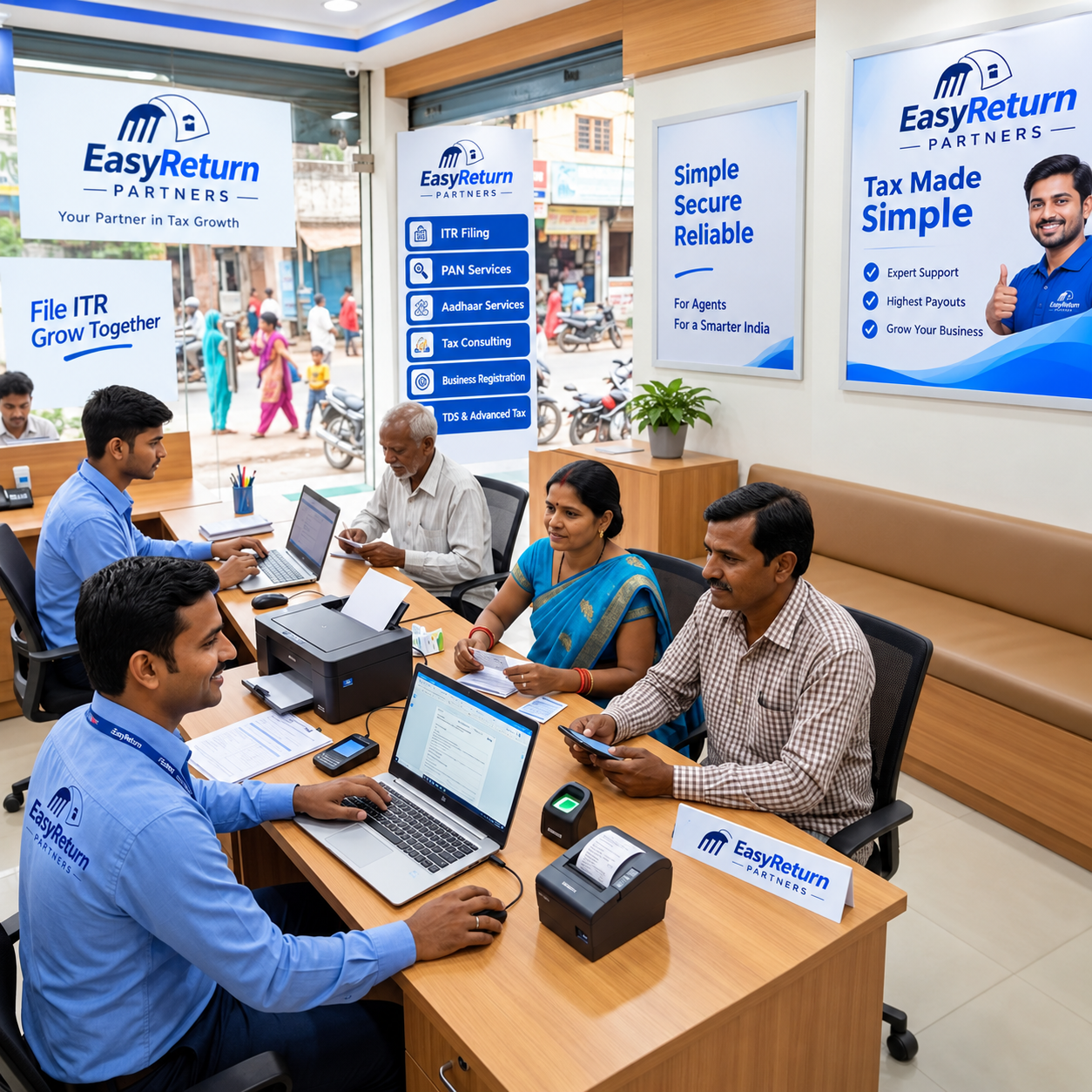
CSC registration online and Easy Return digital service center
Start Your Digital Service Center Free registration with platform support
01
Free Online Registration
02
Expert Guidance
03
Portal Access
04
Start Serving Customers

CSC Registration Guide

The Sign-Up Is the Easy Part

You've done your homework. You know what a digital service center offers, what you can earn, and what documents to keep ready. So the only thing left is the sign-up — and here's the good news: it's the quickest part of the whole journey.

The CSC registration process takes just a few minutes. There's no long wait, no confusing paperwork, and nothing you need to figure out on your own. If you can fill in your name and snap a clear photo, you can complete this form. You can also read our guide on how to apply for free CSC registration before getting started.

i
Important: Easy Return is not an official government CSC.

Easy Return is a CSC-like digital service center model. That's why the process is light and beginner-friendly — no heavy formalities or complicated red tape.

Here's what this guide walks you through:

  • What to keep ready before you start
  • Each step of the online form, explained simply
  • What happens right after you submit
  • Common mistakes and quick answers to your questions
Registration Walkthrough

CSC Registration Process — Step by Step

Here's exactly what you'll see on the form, in order. Follow it top to bottom, and you'll be done before you know it. This is the full CSC registration step by step.

01
Step 01

Enter Your Personal Details

The form opens with the basics. Fill in your full name, father's name, and email address.

Required fields are marked clearly with an asterisk, so nothing slips through the cracks. Take your time here — clean, correct details now mean faster approval later.

02
Step 02

Verify Email and Mobile (OTP)

Next, you'll confirm that your contact details actually work. Send the OTP to your email, enter it, then do the same for your phone number.

A few quick tips:
  • Each OTP is 6 digits — enter it exactly.
  • If the email OTP doesn't arrive, check your spam or junk folder.
  • Add your alternate email and mobile number — both must be different from your main ones.

This small step keeps your account secure and your details verified. Once both show as confirmed, you're ready to move on.

03
Step 03

Identity and KYC Check

Now for the identity verification. Enter your date of birth, gender, PAN number, and Aadhaar number.

PAN: 5 letters, 4 digits, 1 letter Aadhaar: 12 digits
Key tip: Make sure the name on your PAN matches your Aadhaar exactly. A small spelling difference can hold things up, so double-check before you continue.
04
Step 04

Business and Address Details

Here you'll describe your center. Add your business name — something like "Easy Return Service Point – [Your Area]" works well.

Then choose your business category, such as Online Service Centre / CSC Centre, and what you're interested in. Enter your business address and PIN code, and the state and city load automatically. Add your city, a nearby landmark, and a reference source if the form asks for one.

Nothing here is complicated — it's just the standard info that helps our team set up your account correctly. For more details on planning your center, read our guide on how to open a CSC center.

05
Step 05

Upload Your Shop Image

Almost there. Upload a clear shop image or document in JPG, JPEG, PNG, or PDF format.

For faster verification: Use good lighting and upload a full, readable image. Avoid blurry, dark, or cropped photos.
06
Step 06

Submit for Verification

Take one last look at everything you've entered. Confirm your details are correct, then hit submit.

That's it. The form is done, and your part is complete. See? That was easy.

Easy Return Partner Programme

Ready to Start Your Registration?

Create your free partner account in a few minutes.

Register Free CSC Center Now →
After Registration

What Happens After You Register

Registration is just the start of a quick, guided handover. Here's what to expect once you submit:

01
First Step

Onboarding Call

Our team calls your registered number to confirm your details.

02
Review

Verification

Your information is checked. When your uploads are clear and details match, this is usually fast.

03
Account Ready

Portal Access

Once approved, you get login access to the Easy Return portal.

04
Start Earning

Your First Service

Start serving customers and earning from your very first request. If you are also exploring insurance-related services, read about CSC insurance registration.

From Sign-Up to First Earning, the Path Is Short and Clear

Curious how the money adds up once you're live? Take a look at the CSC center income breakdown.

Want To Know More About CSC Center Income →
Quick Check Before You Submit

Common Mistakes to Avoid

A few small slip-ups cause most delays. Skip these, and your approval sails right through.

!
Wrong or Inactive Email / Mobile

Make sure both work before you request the OTPs.

!
PAN and Aadhaar Name Mismatch

Check that the spelling matches exactly on both.

!
Blurry or Cropped Shop Image

Re-shoot in good light and capture the full frame clearly.

!
Incomplete Business or Address Details

Fill every required field before moving on.

!
Same Email or Number in Alternate Fields

Your alternate contact details must be different from your primary ones.

✓

Fix these upfront, and there's genuinely nothing left to slow you down.

Quick Answers

FAQ – Quick Answers About Registering

Everything you may want to know before completing your Easy Return partner registration.

01 Is there any fee to register? +

No. Registration is free, and you can start at zero investment with the retailership option. If you choose the distributor option instead, a joining fee applies — but the standard sign-up costs you nothing.

02 Do I need a shop to apply? +

A shop image is part of the form, but many partners run their center right from home. A shop helps pull in walk-in customers, but it isn't a strict requirement to begin.

03 How long does approval take? +

Verification is usually quick — often the same day — as long as your details match and your uploads are clear.

04 Do I need tax or accounting knowledge? +

Not at all. You simply collect documents and submit them. Our in-house CA team handles all the technical work, so no expertise is needed on your end.

05 What if my OTP doesn't arrive? +

Wait a moment and resend it. For the email OTP, check your spam or junk folder — it often lands there.

06 Can I apply from my phone? +

Yes. The form works perfectly on a phone or laptop. All you need is an internet connection.

Ready to Apply?

You're Ready to Complete Your Registration

Let's recap. The process is short, the steps are simple, and clean details keep everything moving fast. Prep your documents, verify your email and mobile, match your PAN and Aadhaar names, and you're all set.

There's no fee to start, no waiting period, and no complex paperwork standing in your way. From the moment you submit, you're one quick verification away from serving customers and earning your first commission.

So here's the only thing left to do — complete the free form and start your center.

✓ Documents Ready
✓ Email & Mobile
✓ PAN & Aadhaar Match
✓ Ready to Submit

Want a preview of everything you'll offer once you're live? You can also explore CSC UCL registration to understand a separate Aadhaar-related service opportunity.

Browse CSC Services List →
CA Sagar Batra - Chartered Accountant
Written & Reviewed By

CA Sagar Batra

ICAI Registered Chartered Accountant · 10+ Years of Professional Experience · 12,000+ Tax Filings

Chartered Accountant with experience in taxation, compliance and business advisory. His work covers Income Tax, GST, TDS, tax notices, business compliance and financial documentation for individuals and businesses across India.

✓ Income Tax ✓ GST ✓ TDS ✓ Tax Notices ✓ Business Compliance
✓ Content reviewed for tax accuracy, practical relevance and compliance context.